

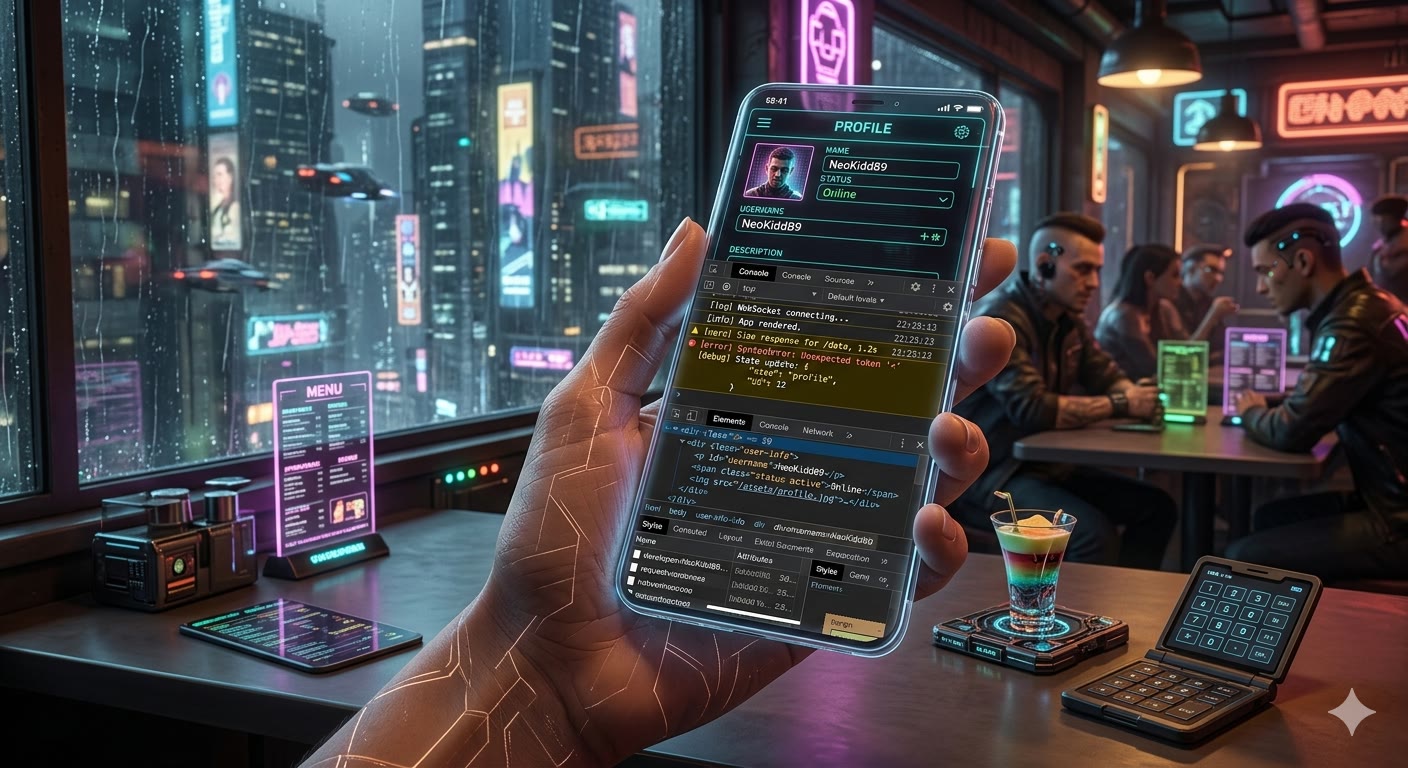
There is one last piece of the puzzle that never quite clicks into place: debugging frontend code. You can have a fully capable backend at your fingertips either with:
sshinto a remote VPS,- full Debian via
proot-distro
but the moment you need to inspect what's actually happening in the browser on your phone, the story falls apart. Honestly, this is IMHO the weakest point of building on a phone, and for long time I haven't been able to find the proper tools for it.
The best option I've found was the Kiwi browser - it let you open the well
known Chrome DevTools without any fuss. Unfortunately, Kiwi is no longer
maintained. Chrome DevTools themselves aren't really optimized for a phone-sized
screen either, so in practice I could only use them when plugged into an
external display via Samsung DeX.
I've also tried Eruda and it looks quite nice. It's fine for inspecting console logs and poking at the DOM. In the modern AI era, though, I would prefer to run something like Chrome MCP (or some CLI) that would let me easily pass debug data to an LLM of choice. So far I haven't found anything that fits.
Wrapping up
That closes the "Build on the Go" series. We started with the idea that the
device in your pocket can be a real development environment, walked through
Termux, set up a full Debian via proot-distro, and saw where the model bends —
frontend debugging being the most honest weak spot.
For me, the takeaway is that the dream from the first article still holds. The
backend side is genuinely solved: a phone, a remote VPS over ssh, and an AI
agent cover most of what I used to need a laptop for. The rough edges that
remain are real, but they're narrow enough to plan around - and worth the trade
for being able to ship code from a café, a train, or a queue at the post office.
Comments